OCR mobile app project · Software / OCR
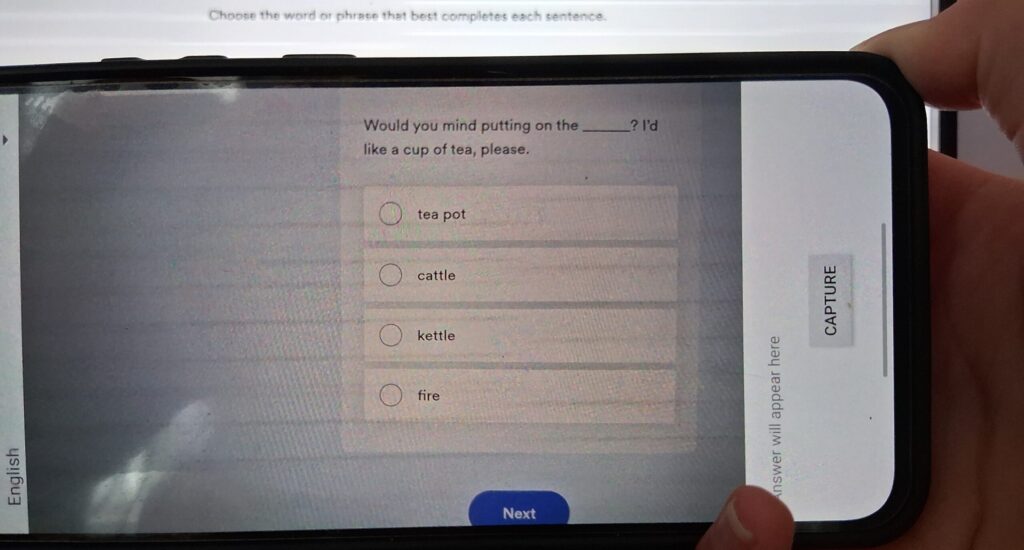
Anyone who has tried to make a computer read text from a photo knows that OCR is often a road through pain. And if the photo is of a monitor screen? Then we reach a whole new level: glare, moiré patterns, blur from photographing a grid of pixels.
In one project I had to build, in Kotlin, the core of a mobile app whose key function was reading text precisely from a screenshot. Without solid image “cleaning”, the whole feature would be useless – the OCR engine would return digital soup instead of text.
I quickly discovered that the biggest problem was not the noise itself, but its variability. The crucial difference turned out to be light vs dark mode: filters that were great for black text on white completely failed on white text on dark. A single universal set of settings would be a compromise, weak in both cases. The solution had to be smarter – adaptive.
Instead of forcing one solution, I taught the code to analyse the problem first. The function checks the average brightness of the image and, based on that, recognises light or dark mode. Only then does it pick a completely different toolset from OpenCV – a different thresholding mode and different noise-removal values. Like a doctor who makes a diagnosis first, then chooses the medicine:
fun preprocessForTesseract(srcMat: Mat): Mat? {
    try {
        val grayMat = Mat()
        Imgproc.cvtColor(srcMat, grayMat, Imgproc.COLOR_BGR2GRAY)
        // Kluczowy krok: średnia jasność obrazu wykrywa tryb
        val avgBrightness = Core.mean(grayMat).`val`[0]
        val isDarkBackground = avgBrightness < 100 // próg dla dark mode
        val thresholded = Mat()
        Imgproc.adaptiveThreshold(
            grayMat, thresholded, 255.0,
            Imgproc.ADAPTIVE_THRESH_MEAN_C,
            // dla ciemnego tła odwracam działanie filtra
            if (isDarkBackground) Imgproc.THRESH_BINARY_INV else Imgproc.THRESH_BINARY,
            if (isDarkBackground) 31 else 45,
            if (isDarkBackground) 11.0 else 15.0
        )
        grayMat.release()
        return thresholded
    } catch (e: Exception) { return null }
}
The adaptive logic delivered immediate results. OCR accuracy shot up – the app handled a screenshot of Windows Notepad just as well as a developer terminal on a dark background. An unreliable function turned into a stable, trustworthy component – a foundation on which the whole app could be developed with confidence.
I love challenges like this, because in programming the devil is in the details. Instead of looking for shortcuts, I prefer to understand the problem fully and build a solution that holds up in the real world.
This is one side of the OCR app project. About the other – the Python script that fed its database – I wrote here.
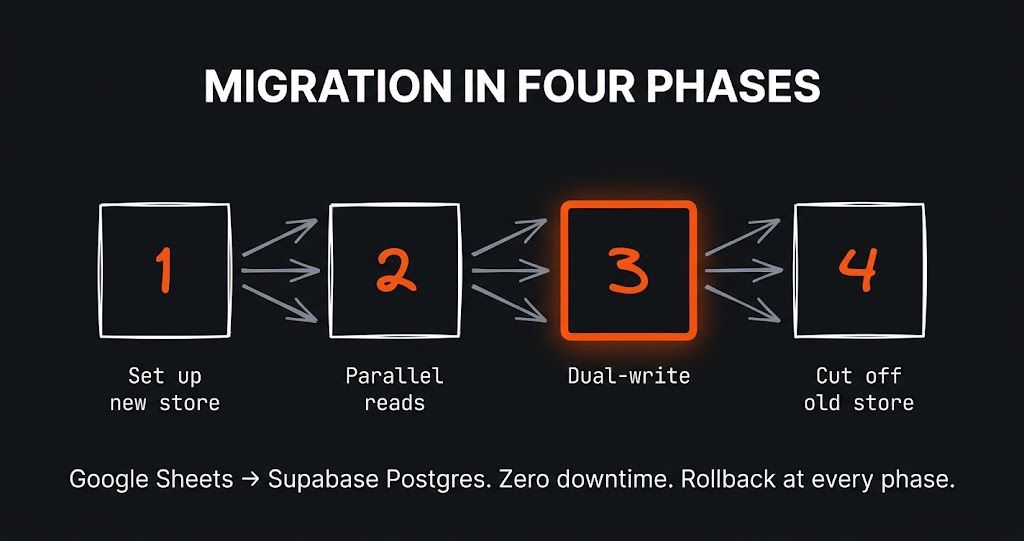
The challenge The app had grown alongside the business for a year and a half. It started as a clever Google Sheet with a few scripts…
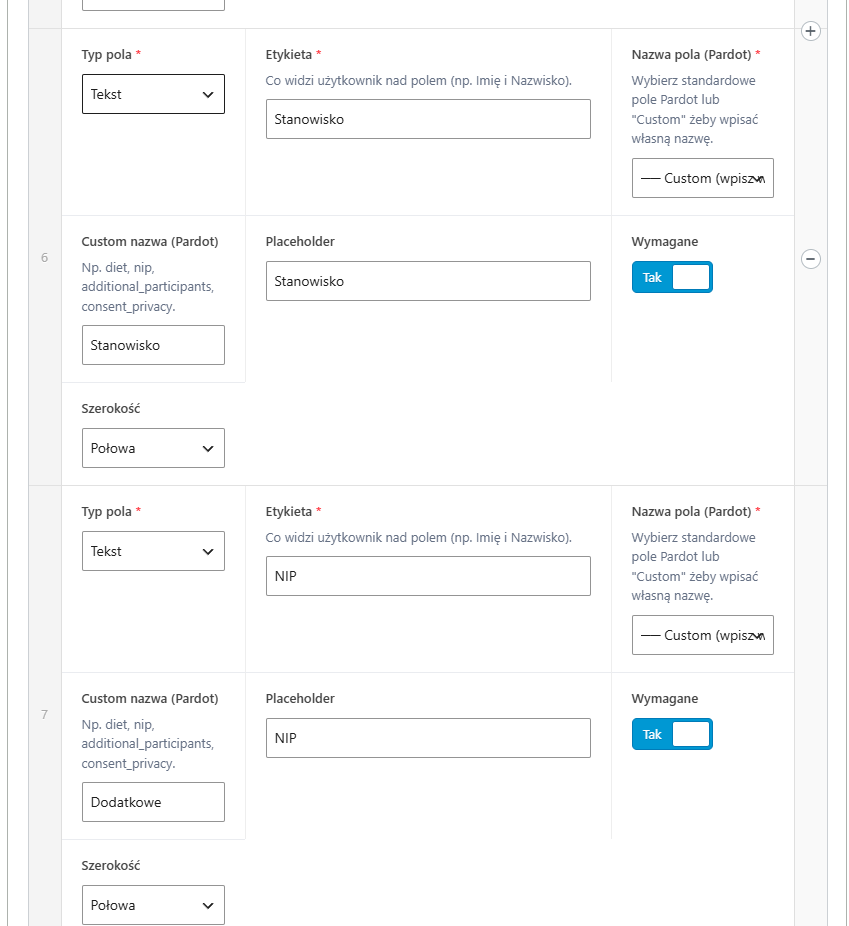
The challenge A large B2B client had many different forms on the site – some for contact, others for webinars, still others…
The challenge The first version of this site was born out of courage. I wrote about it separately – about the perfectionism that…
Just tell me what you need - it does not have to be technical, that is my job. I will get back to you and tell you straight whether and how I can help.