OCR mobile app project · Software / OCR
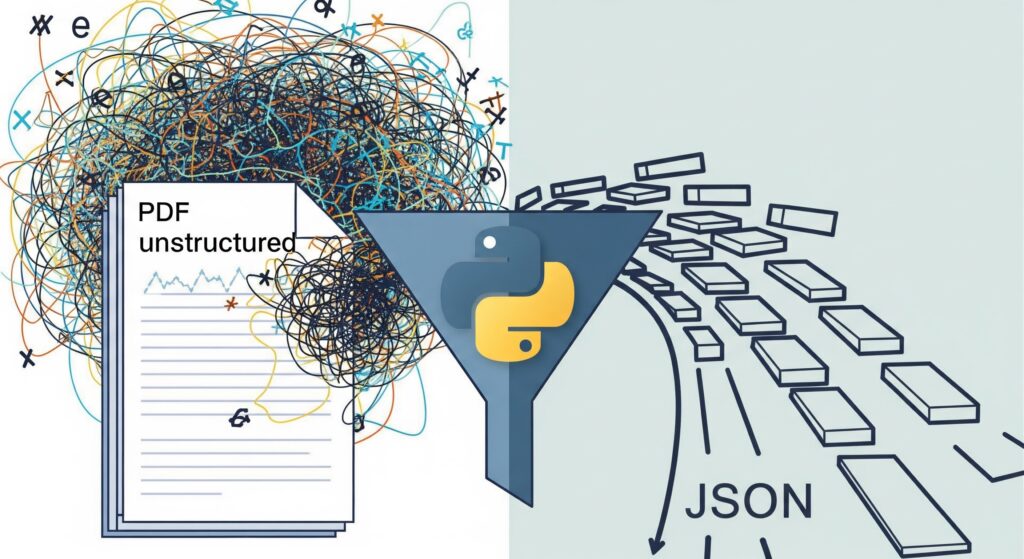
A new, exciting project: a script to feed the database of an OCR mobile app. Just one problem – all the “gold” meant to fill that database was locked inside hundreds of pages of PDF files.
There was a choice. The shortcut: open every PDF and manually copy hundreds of questions and answers. Doable, but brutally tedious, slow and begging for mistakes – especially since the client planned to send more files. I chose the other path, the one I love: instead of hours of clicking, write a simple but powerful converter in Python to do it for me.
The first step – extracting raw text from the PDFs with the pdfplumber library – went smoothly. The real challenge came later: every PDF, though seemingly identical, had its own quirks – an extra space here, a different newline character there. Simple methods of separating questions from answers kept failing.
This is where my secret weapon comes in: regular expressions (RegEx). It is like giving the computer a superpower for understanding patterns. Instead of “look for the letter A”, I say: “find a line starting with A, optionally followed by an asterisk, then a space, then capture everything to the end of the line”. With the re library I built precise patterns that pulled exactly the data I needed out of the chaos:
# Fragment kodu, który z bloku tekstu wyciąga pytanie i odpowiedź
for i in range(1, len(blocks), 2):
    content = blocks[i + 1].strip()
    # RegEx znajduje poprawną odpowiedź (zaczynającą się od 'A')
    match = re.search(r'^A*?s*(.+)', content, re.MULTILINE)
    if match:
        correct_answer = match.group(1).strip()
        question_text = re.split(r'^A*?s*(.+)', content, maxsplit=1, flags=re.MULTILINE)[0].strip()
        questions.append({
            "questionText": question_text,
            "correctAnswerText": correct_answer
        })
Finally, the script saved everything into a clean, structured JSON file – ready to feed the app database.
A process that would have taken many days of tedious copying by hand shrank to a few minutes. More importantly – the solution is scalable: when the client sends a new batch of PDFs, updating the database will be instant and error-free.
I love projects like this, because they show the real power of code. It was not building a huge system, but a small, simple tool that solved one particularly annoying problem. Sometimes a clever little script delivers more than the biggest app – it frees you from the boredom and leaves time for creative work.
This script is one side of the OCR app project. About the other – the algorithm that handled light and dark mode – I wrote separately here.
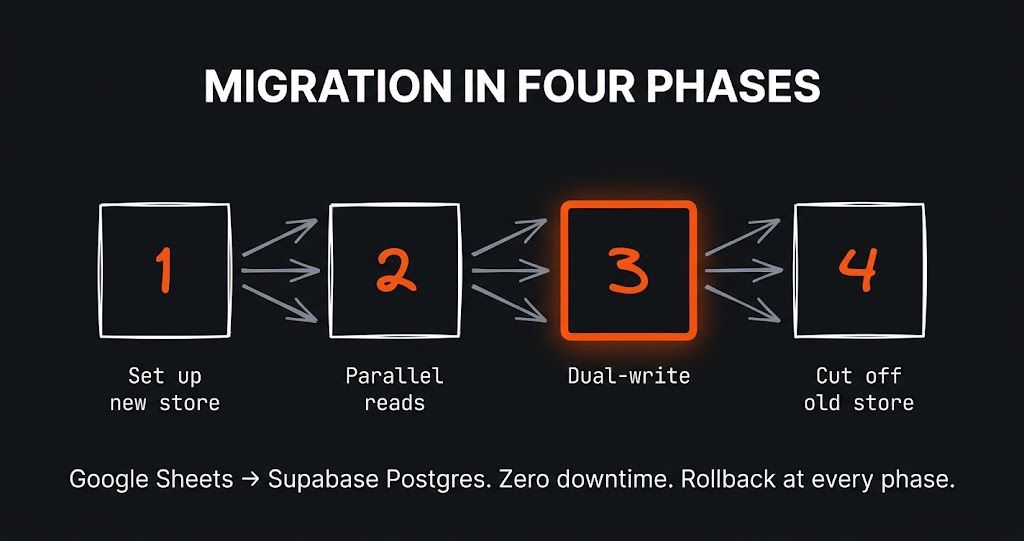
The challenge The app had grown alongside the business for a year and a half. It started as a clever Google Sheet with a few scripts…
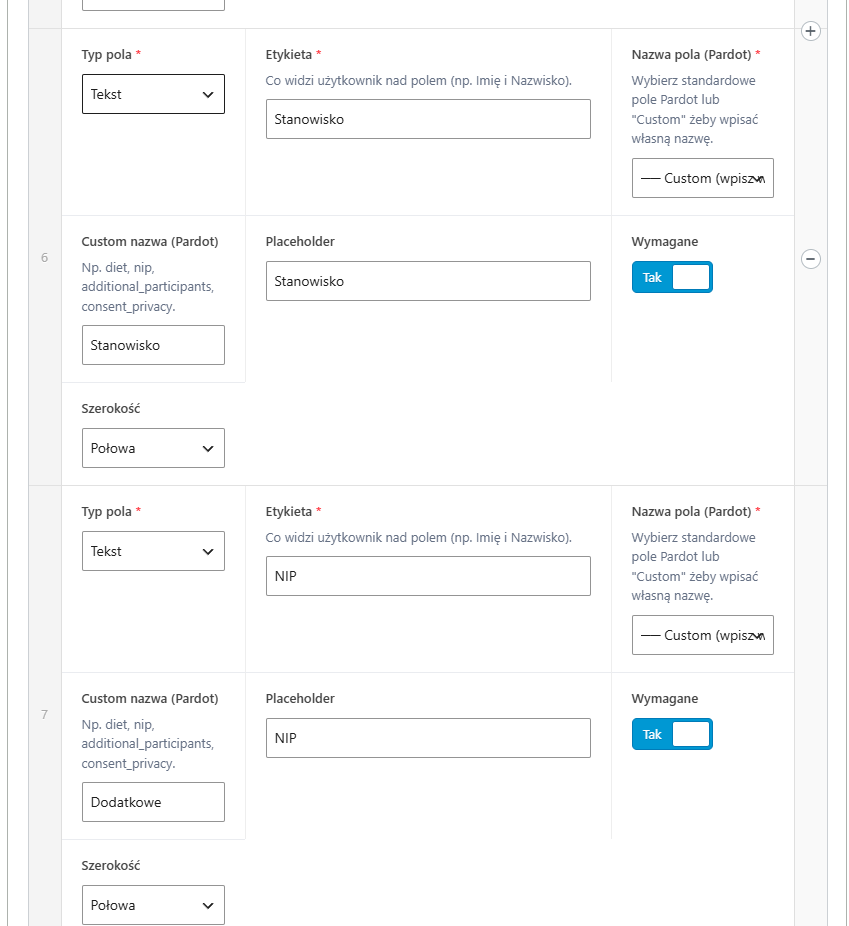
The challenge A large B2B client had many different forms on the site – some for contact, others for webinars, still others…
The challenge The first version of this site was born out of courage. I wrote about it separately – about the perfectionism that…
Just tell me what you need - it does not have to be technical, that is my job. I will get back to you and tell you straight whether and how I can help.