The symptom: an Apps Script app lagging with multiple users
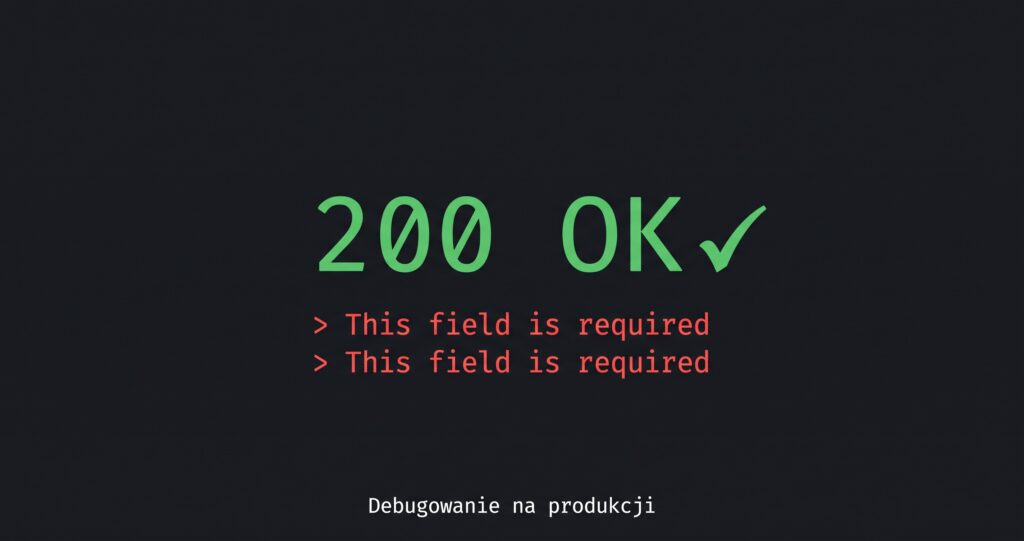
An app written in Google Apps Script runs perfectly for one person. You add a second, a third, a fifth – and something strange starts happening. Clicking save takes three seconds. Then ten. Someone tries to upload a bigger batch of files and the whole app freezes for a minute. The form doesn’t submit, the button spins, and the user has no idea whether the operation went through.
The code isn’t bad. You haven’t changed anything in months. The company just grew and more people are working on the app at the same time. And suddenly what used to fly starts crawling.
What’s happening under the hood
Google Sheets as a database has one assumption that isn’t a bug but a consequence of what it actually is: it’s a spreadsheet, not a database. So that two people editing the same file at once see consistent data, the engine holds a global lock on the entire sheet during writes.
In practice this means: when one script writes to the sheet, all other scripts trying to write to that same sheet wait in line. They don’t error out, they don’t run in parallel – they just stand still until the previous one finishes.
With one person and five writes a day this is invisible. With twenty people doing twenty operations an hour, the math becomes ruthless. If one write takes 2 seconds, ten writes queued up mean 20 seconds of waiting for the last one. And to the user the app just looks frozen.
Why “speeding up the code” doesn’t help
The natural reflex is optimization: batching writes, caching, cutting down getRange calls. All good and worth doing – but it doesn’t remove the cause. You shorten each write from 2 seconds to 0.8 – the lock is still there, the queue still builds up, just more slowly.
This is a qualitative difference, not a quantitative one. A one-lane bridge doesn’t become two because the cars drive a bit faster.
What you can actually do
Three honest options, ordered from cheapest to most expensive:
1. Push writes off in time (queue + trigger). Instead of writing to the sheet synchronously on click, push the event into a queue (e.g. PropertiesService) and let a background trigger process it calmly. The user doesn’t wait because they immediately see “saved”. Downside: doesn’t work for operations where the user must get a result right away (like a generated order number).
2. Move the hottest tables to a real database. If 80% of writes hit one or two tables (like order statuses), you can leave the rest in the sheet and move those two to, say, Postgres. A real database has no global lock – two people can write to different rows at the same time. Complicated, because the app has to read from both places, but usually the best return on effort.
3. Move the whole data layer out. The sheet stays only as a viewing and manual-correction tool for the owner, and the app lives in a real database. Biggest job, but also the only way if the app is still growing.
How to choose between 1, 2 and 3?

- up to 10 active users                → option 1 usually enough
- 10-30 users, a few hot tables        → option 2 has the best
                                          effort-to-effect ratio
- above 30, or the app is growing      → option 3, and the sooner
                                          the less it hurts
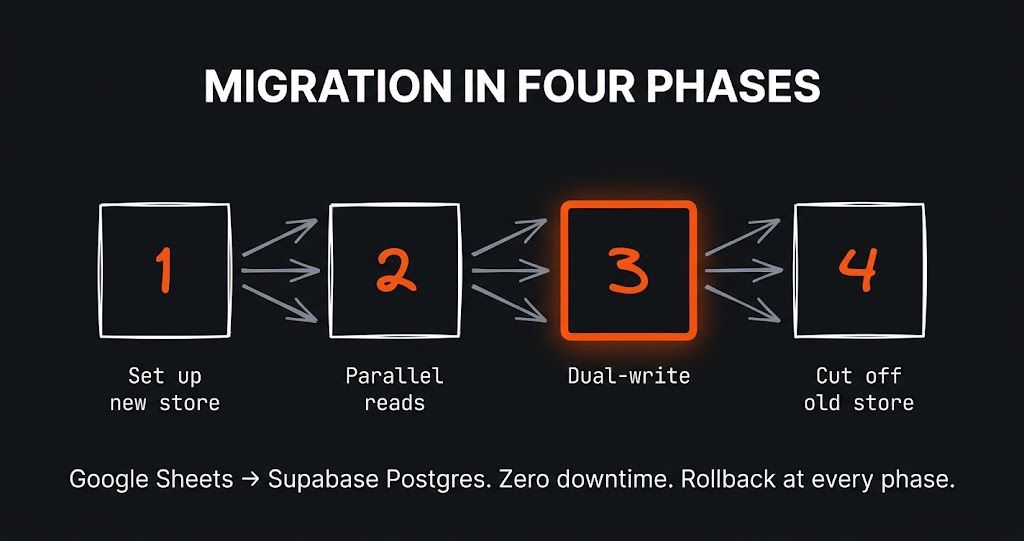
If you want to see, step by step, how to migrate from a spreadsheet to Postgres without stopping the business, I covered that pattern separately in Dual-write – how to move an app to a new database without shutting down, with code for Apps Script + Supabase.
What not to do
Don’t jump to rewriting everything in Node/Django/whatever. That’s a trap. An app on a sheet has one huge advantage – the client can poke around in it themselves. Undo a change, check the data, export to Excel for a meeting. Take the sheet away and you take that comfort away too. Migration makes sense only once the cost of “lag” has exceeded the cost of “losing the sheet as a tool”.
And don’t try to work around the lock with LockService.getScriptLock(). That’s a different tool for a different problem (protects your code from itself), and it won’t touch the global sheet lock.
What I learned
Google Apps Script is a great tool for building something that quickly needs to work for a small team. But it has a ceiling, and it’s better to know where that ceiling is before you hit it. “Lag” isn’t a bug to be fixed – it’s a signal that the app has outgrown the platform. Spotting that signal and offering the client a sensible way out before they start losing money on it is half of the value you bring as a developer.